Microsoft Excel and Excel VBA virtual training.

EMAGENIT has been broadcasting live for almost 2 decades! We know how to train you live, hands-on over the web. Below you will find all the information on how we broadcast our virtual classes and the equipment you'll need.

Questions >

Business, Industry, Engineering, Science

Excel Virtual Training Details
Virtual Excel Classes

About our Microsoft Excel virtual training.

  • Our online classrooms are designed to make you feel like you're right there with the instructor.
  • In our virtual training, you an interact with the instructor and ask as many questions as you want.
  • Our instructors can see your work with permission and offer guidance on how to solve any errors.
  • For a more precise learning experience, we divide our Excel virtual training into two groups: business & industry and engineering & science. Our classes are listed below.

Explore our Excel virtual classes and dates.

Business and IndustryEngineering and Science
Beginning Excel for Business and Industry
Next Class: Check Dates

Beginning Excel
for Business and Industry

Learn More >
Intermediate Excel for Business and Industry
Next Class: Check Dates

Intermediate Excel
for Business and Industry

Learn More >
Advanced Excel for Business and Industry
Next Class: Check Dates

Advanced Excel
for Business and Industry

Learn More >
Excel Dashboards for Business and Industry
Next Class: Check Dates

Excel Dashboards
for Business and Industry

Learn More >
Beginning Excel VBA for Business and Industry
Next Class: Check Dates

Beginning Excel VBA
for Business and Industry

Learn More >
Excel VBA Data Processing for Business and Industry
Next Class: Check Dates

Excel VBA Data Processing
for Business and Industry

Learn More >
Advanced Excel VBA for Business and Industry
Next Class: Check Dates

Advanced Excel VBA
for Business and Industry

Learn More >
Microsoft Excel for Engineers and Scientists
Next Class: Check Dates

Microsoft Excel Essentials
for Engineers and Scientists

Learn More >
Excel Data Analysis for Engineers and Scientists
Next Class: Check Dates

Excel Data Analysis
for Engineers and Scientists

Learn More >
Excel VBA for Engineers and Scientists
Next Class: Check Dates

Excel VBA Fundamentals
for Engineers and Scientists

Learn More >
Excel VBA Data Analysis for Engineers and Scientists
Next Class: Check Dates

Excel VBA Data Analysis
for Engineers and Scientists

Learn More >
Advanced Excel VBA for Engineers and Scientists
Next Class: Check Dates

Advanced Excel VBA
for Engineers and Scientists

Learn More >
Running Fortran DLLs from Excel VBA
Next Class: Check Dates

Running Fortran from Excel VBA
for Engineers and Scientists

Learn More >

How does our Excel virtual training work?

  • You will be working live virtually with an Excel instructor typing the problems as they do.
  • You will be able to talk to them at any time during the instruction.
  • They can see your computer and guide you through problems (with your permission).
  • We limit our class size so we can discuss your problems in class and build examples around them.

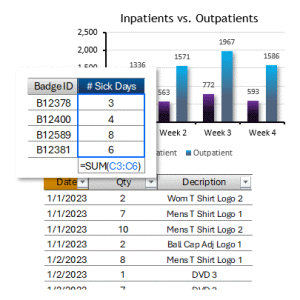
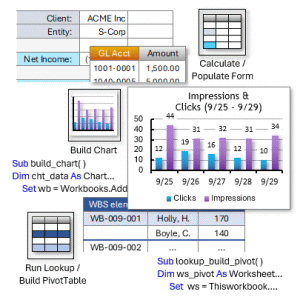
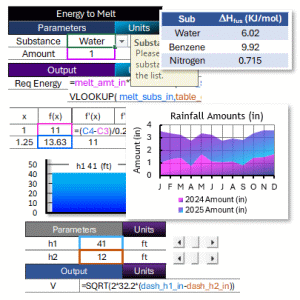
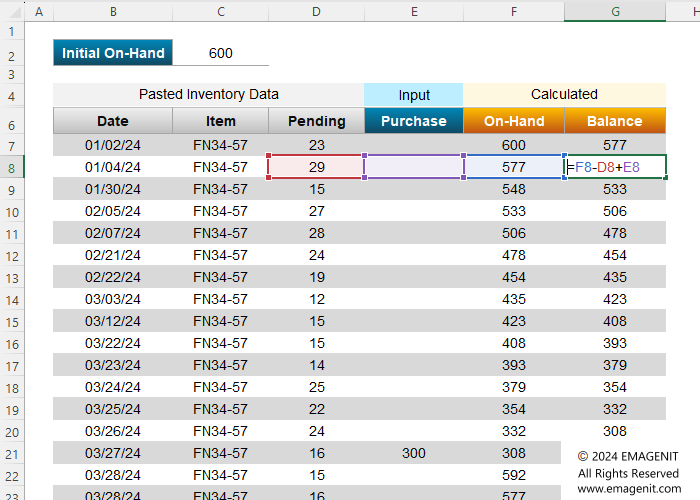
About the picture: Our Excel virtual classes cover things like problem layout, sequencing formulas, and using various types of cells references.
Basic Formula Construction
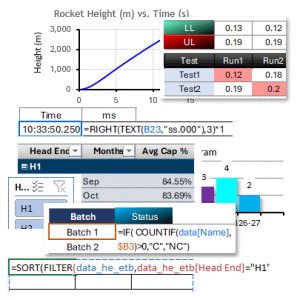
Formula Table Lookups

How we broadcast or virtual classes and their times.

  • To use WebEx on your computer requires you to perform a simple download (it does not usually effect security).
  • Be sure and download WebEx a few days before the class, not 10 minutes before it starts.
  • If you cannot download it, give us a call and we will try to help you.
  • You can download WebEx directly from their website at www.webex.com >.
  • We hold our classes at 9:00 AM CT which can accommodate the PT, MT, and ET time zones comfortably.
  • When we have attendees from different time zones, we take strategic breaks and lunches.

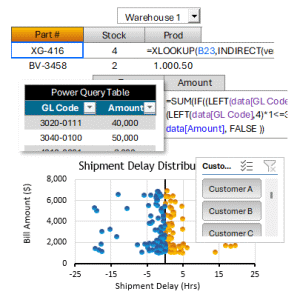
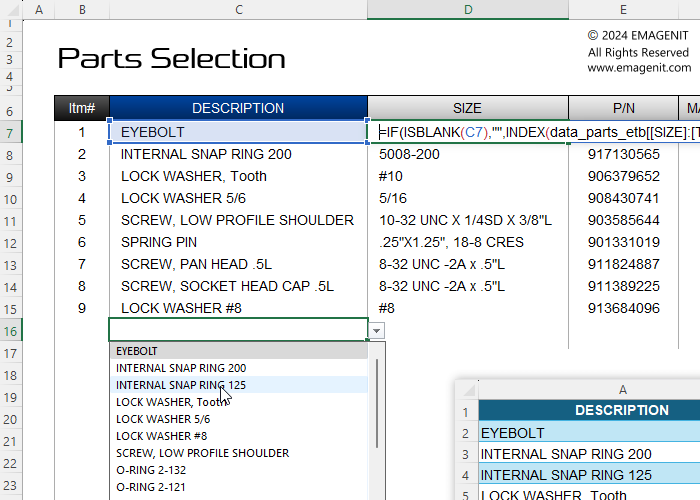
About the picture: Our Excel virtual training covers all types of table lookups, arrays, and using Excel table references to transmit data to formulas.

We can broadcast and Excel onsite anywhere at anytime.

  • Our Excel virtual learning allows us to train a company anywhere in the world.
  • When performing virtual onsites, we can integrate different facilities in different locations.
  • We can also match your time zone for onsite broadcasts, contact EMAGENIT at 1.629.325.9937 for more details.
  • Please consult our Classes page > for all of our classes.
Onsite Details >

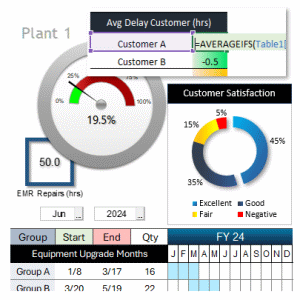
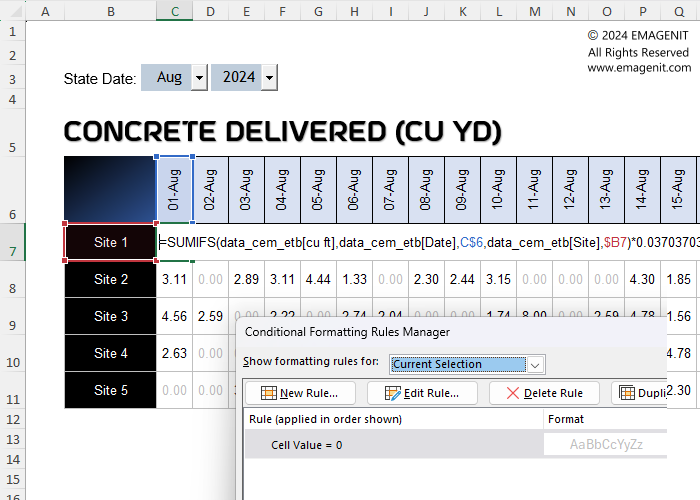
About the picture: Our Excel virtual training covers how to visual data and build dashboards using ActiveX controls, logic based functions, and conditional formatting.
Dashboard Construction
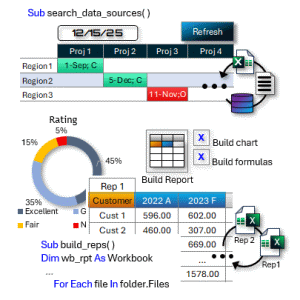
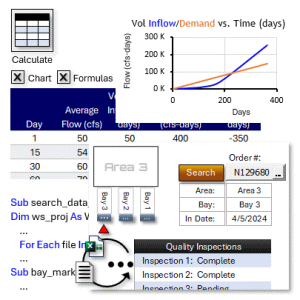
Power Query Adaptive Reports

How we speak with you and the talking gear you'll need.

  • When taking our virtual learning, we use Webex VOIP to talk to our attendees.
  • To use Webex, make sure your computer has good speakers and a microphone.
  • Computer built-in microphones and speakers will usually do the job.
  • If you do not have a mic or speakers, get ones that cost between $10-$30 dollars, they do the job just fine.
  • You can call into a conference line and join us if your computer does not have a microphone or speakers. Contact us for details.

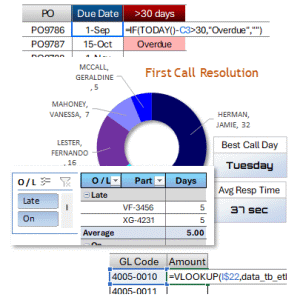
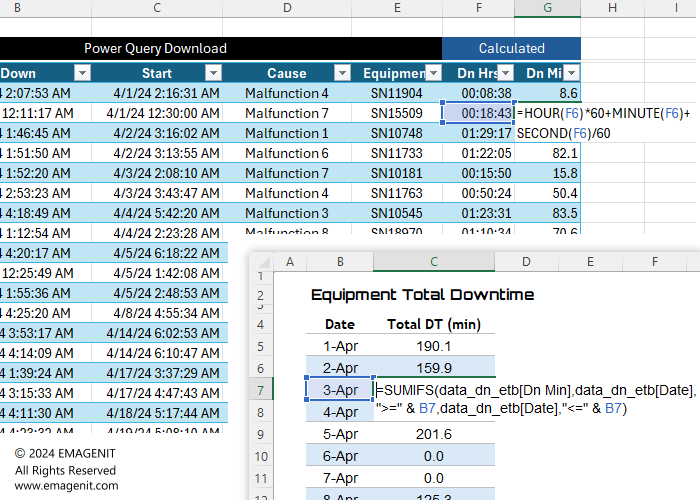
About the picture: Our Excel virtual training will show you how to build adaptive reports that auto adjust tables, formats, formulas, and merge external data using Power Query.

Use a projector or 2 Monitors to view the virtual class.

  • Using a projector eliminates having to toggle back and forth between WebEx and Excel.
  • Projectors work well for groups in meeting rooms and creates a class like environment.
  • If projecting another computer, turn its speakers and microphone off to prevent feed back.
  • If viewing alone, please use an additional monitor or TV and hook it up to your computer via it's HDMI port.
  • Using two monitors allows you to view the WebEx on one and Excel on the other.

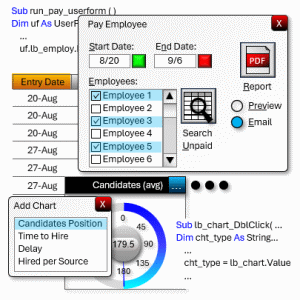
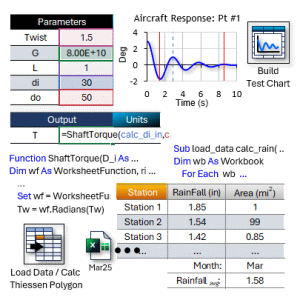
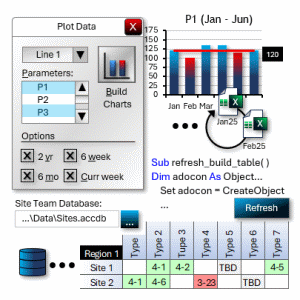
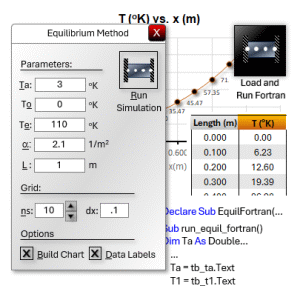
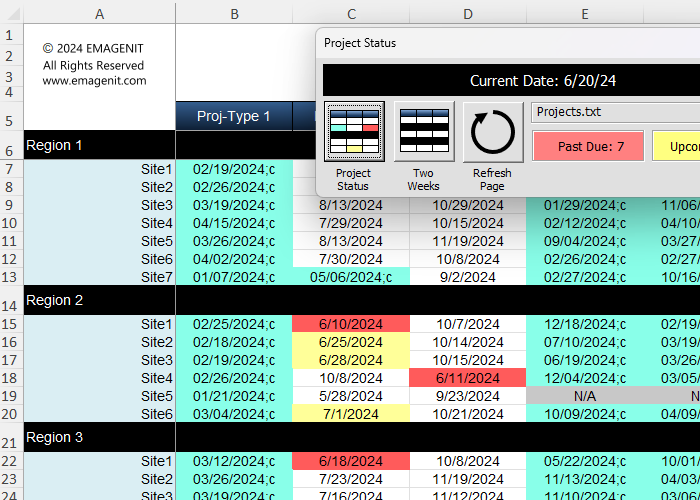
About the picture: Our Excel virtual training covers VBA topics like interface design, report automation, data calculations, and scanning databases and downloaded data.
Excel VBA Reporting

Copyright © 2026. EMAGENIT All Rights Reserved